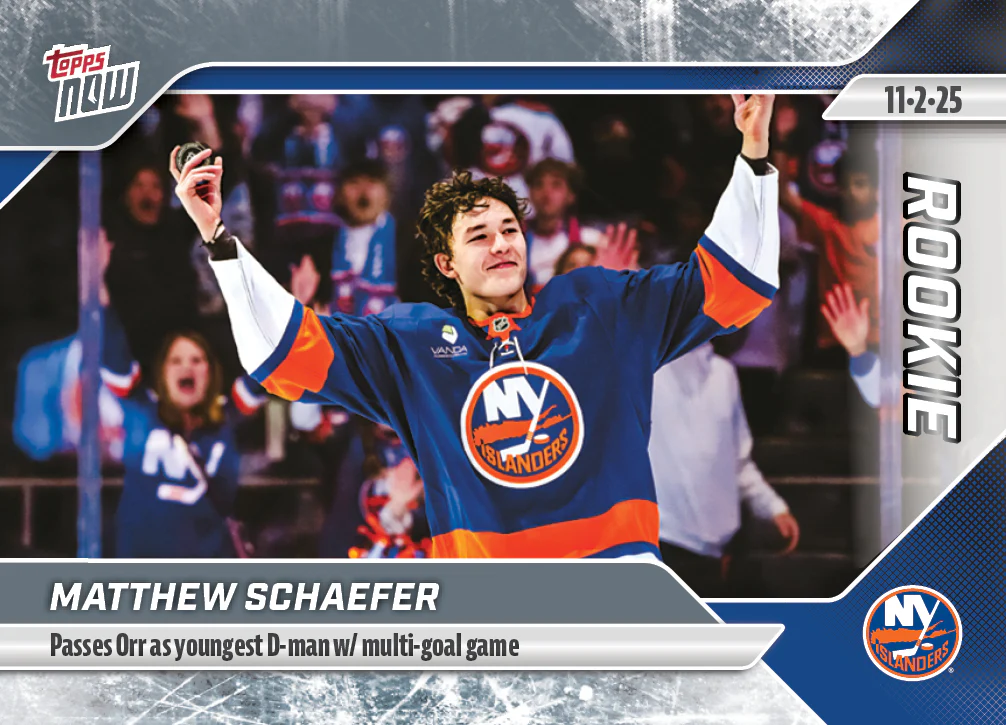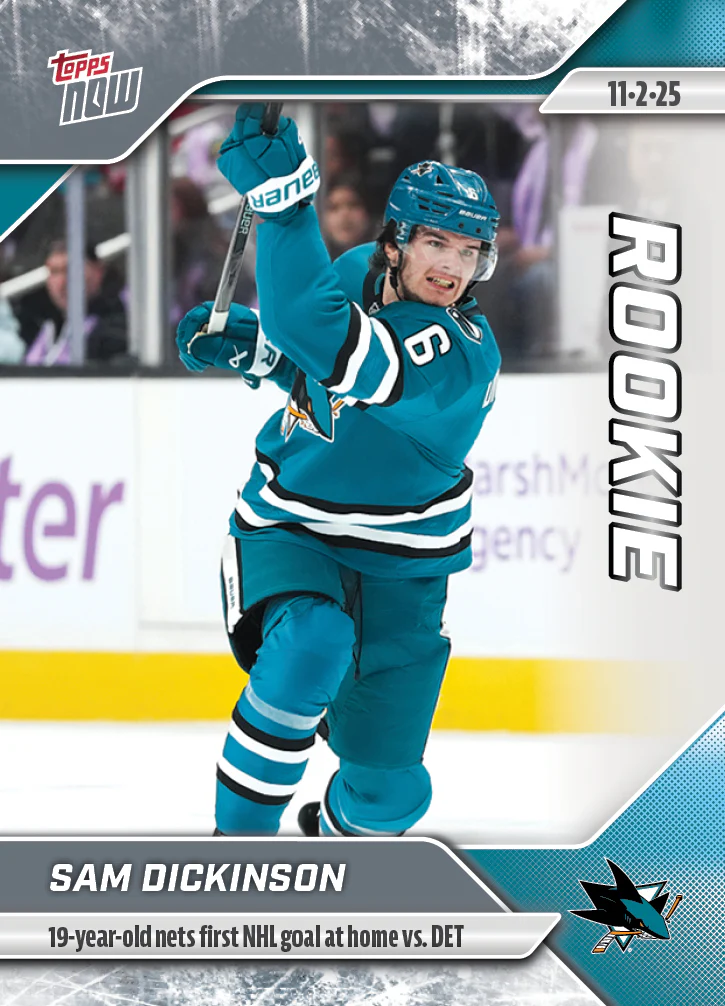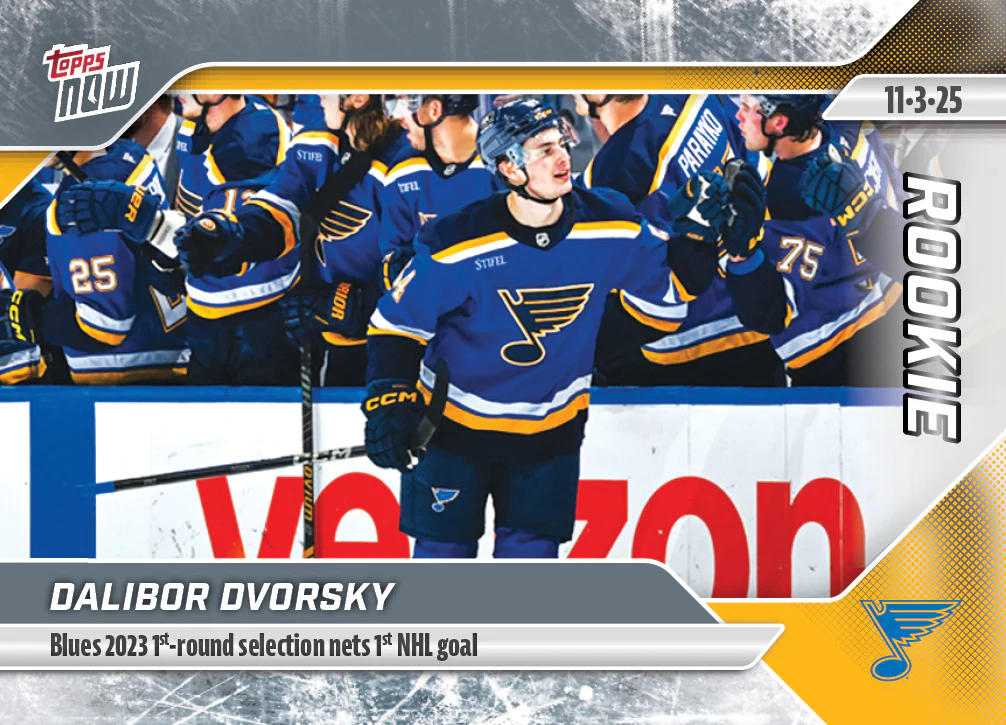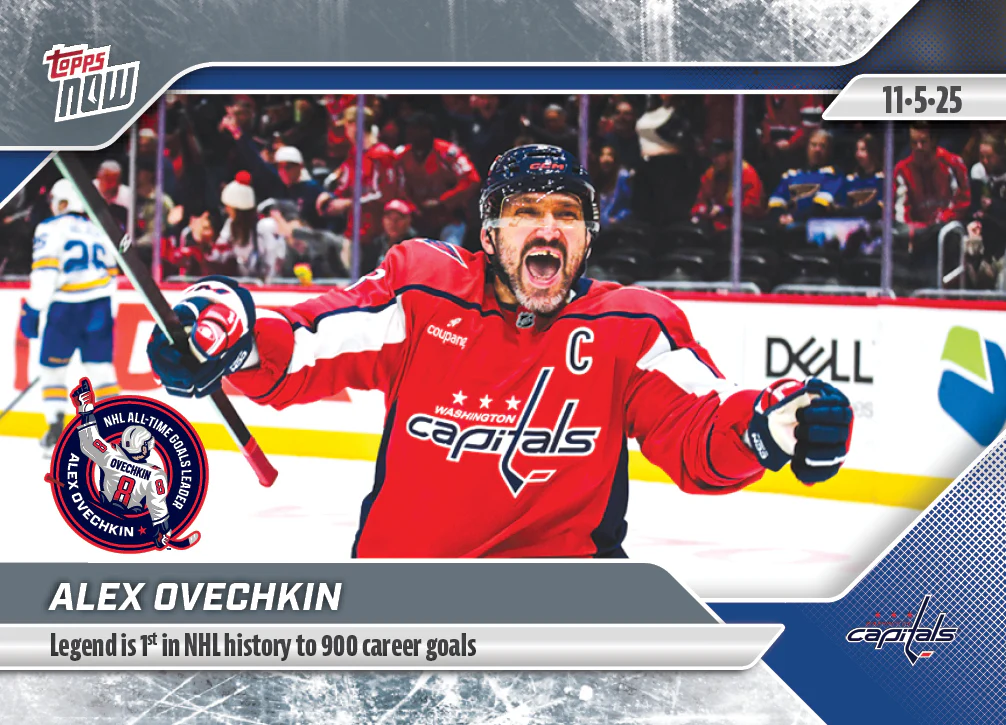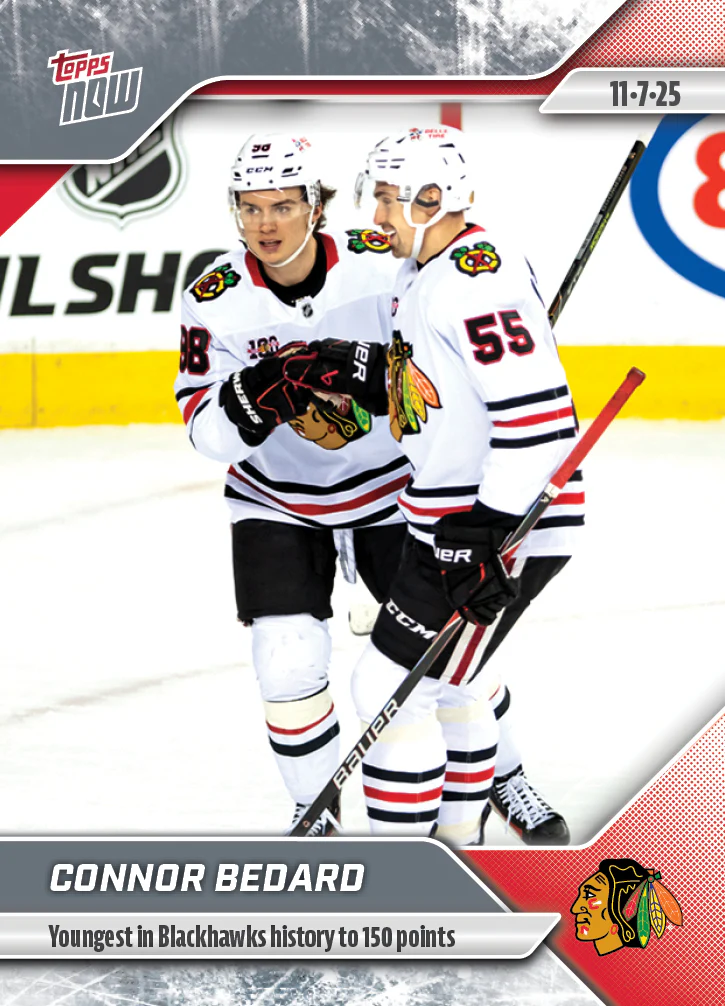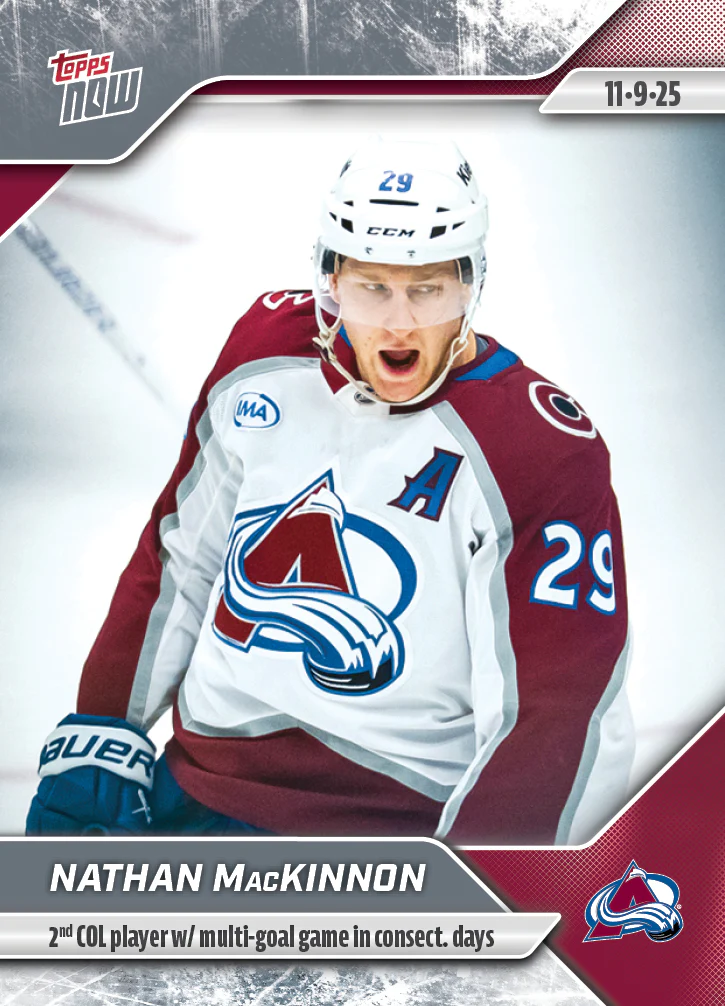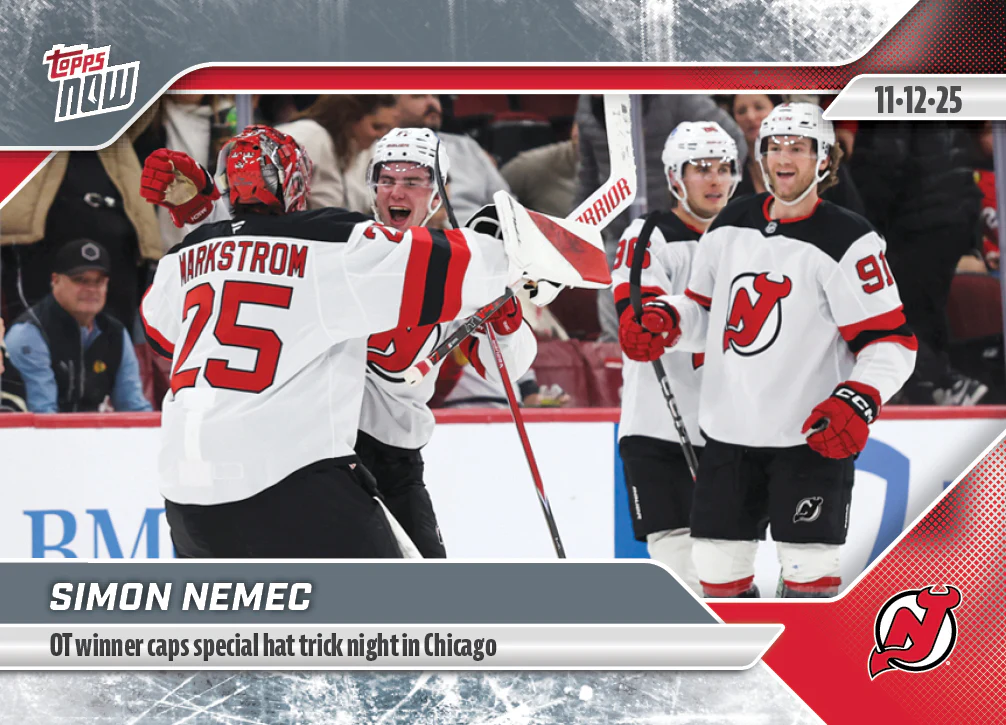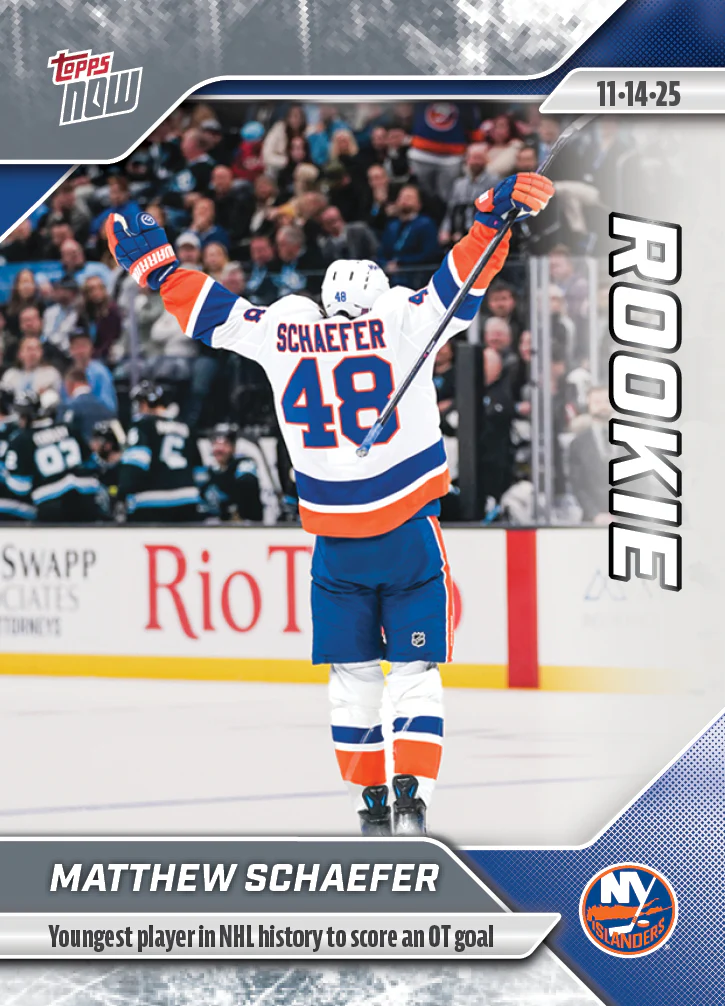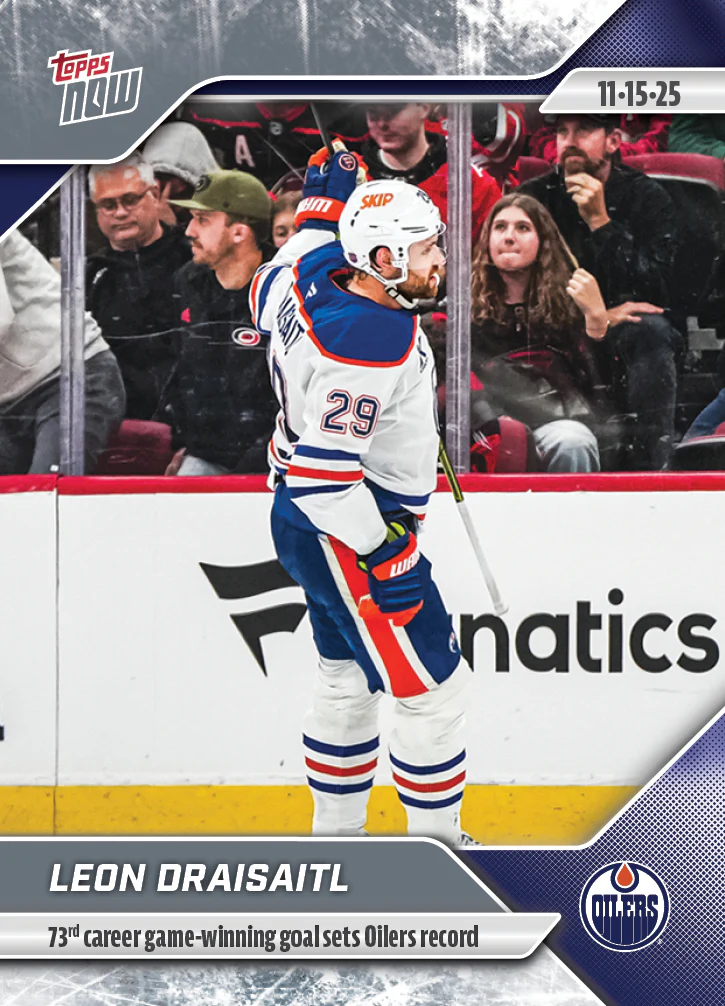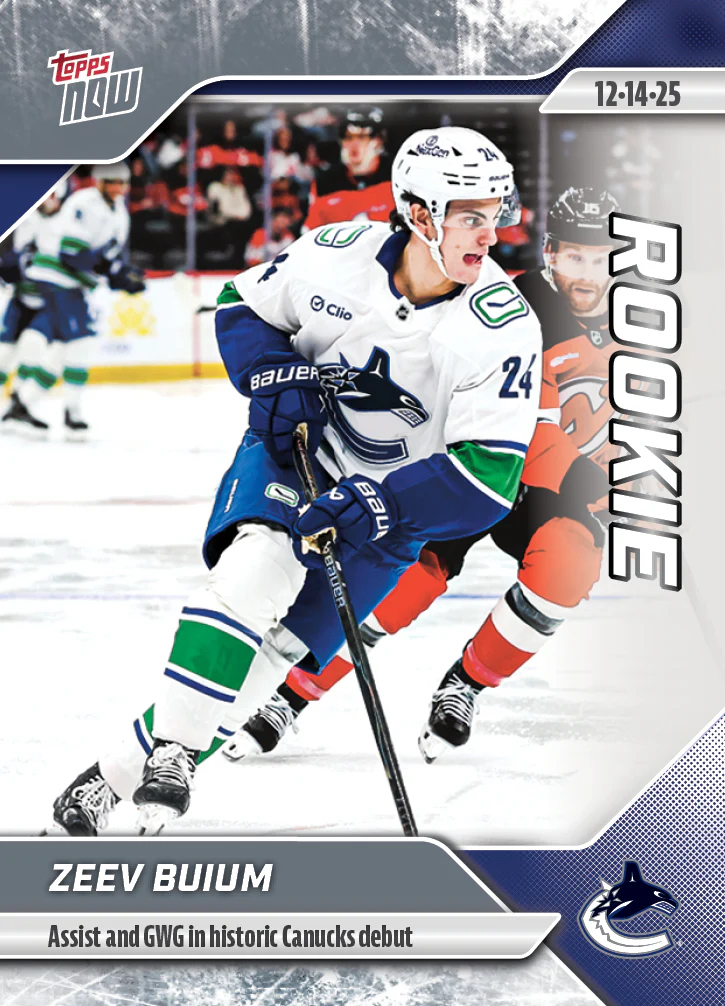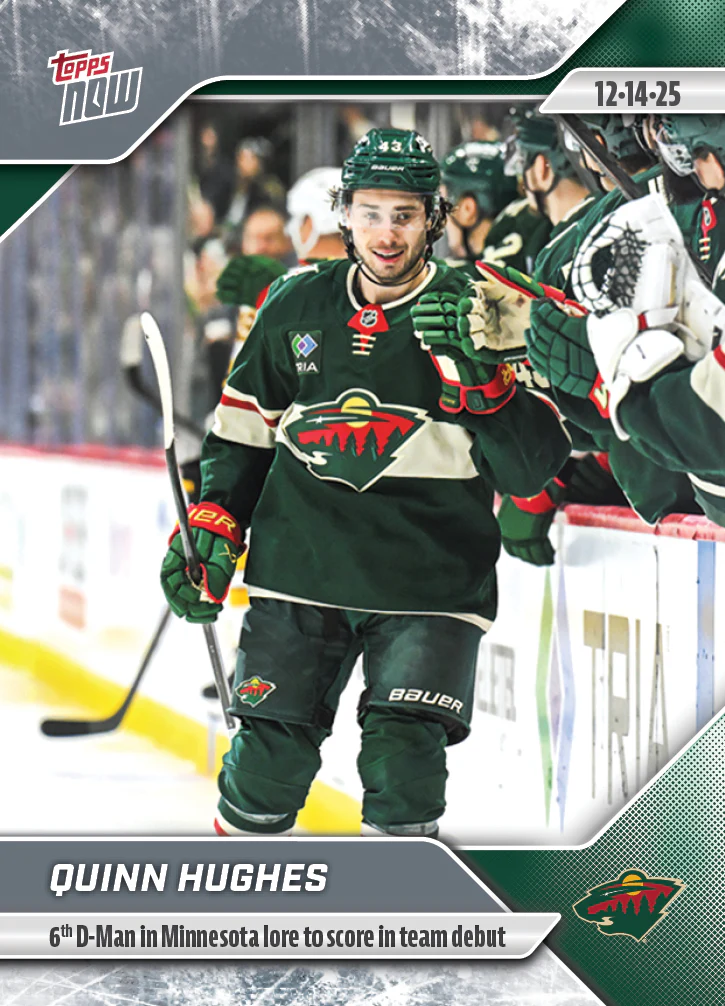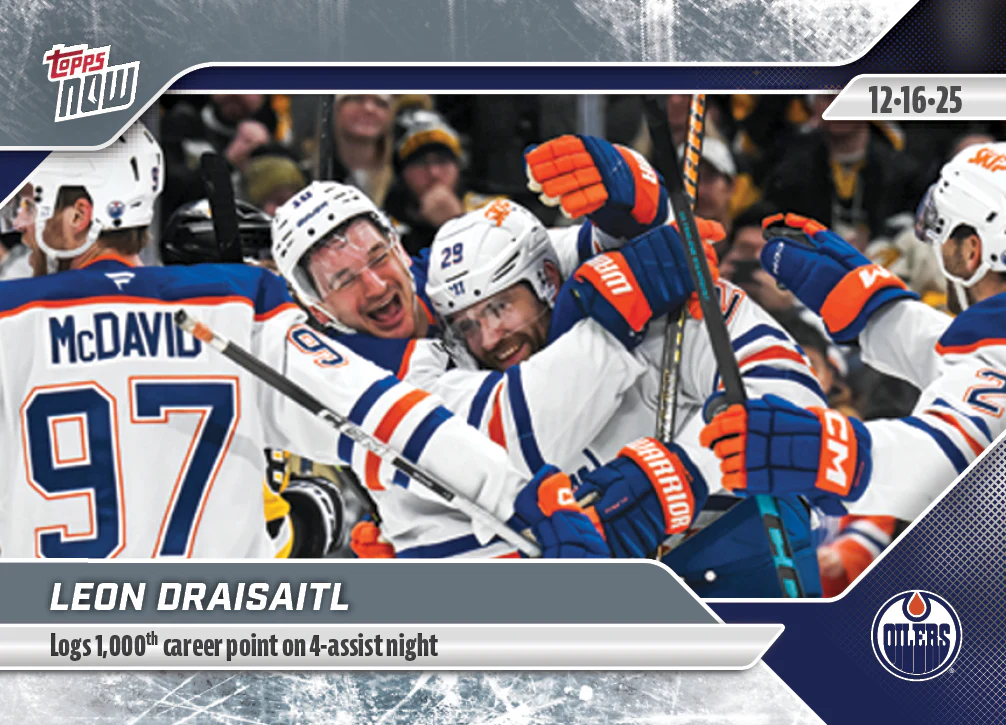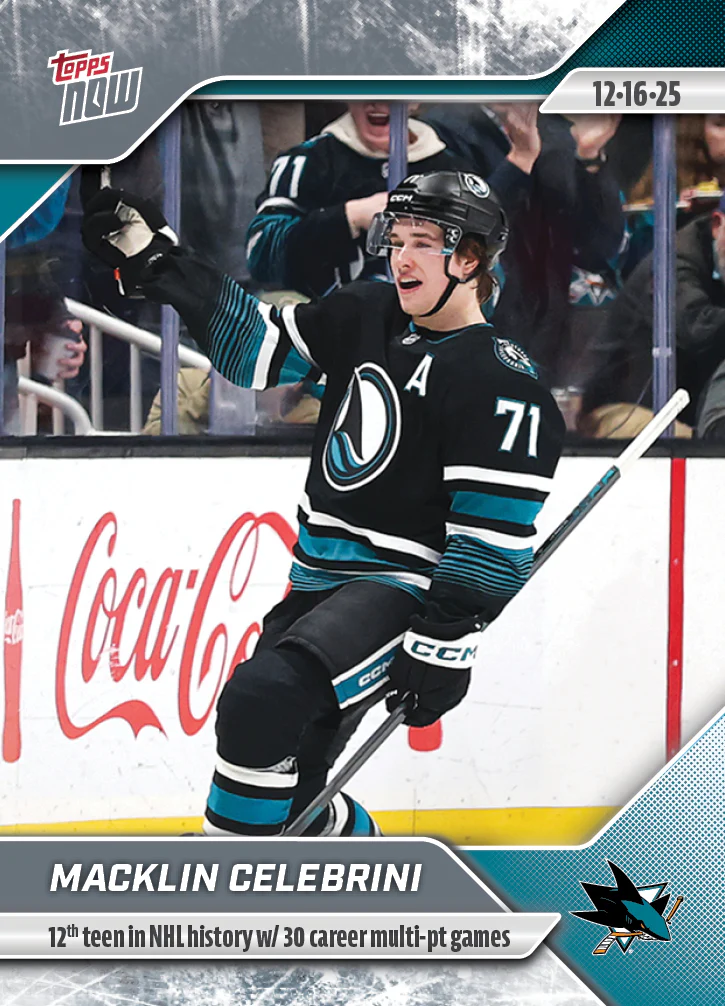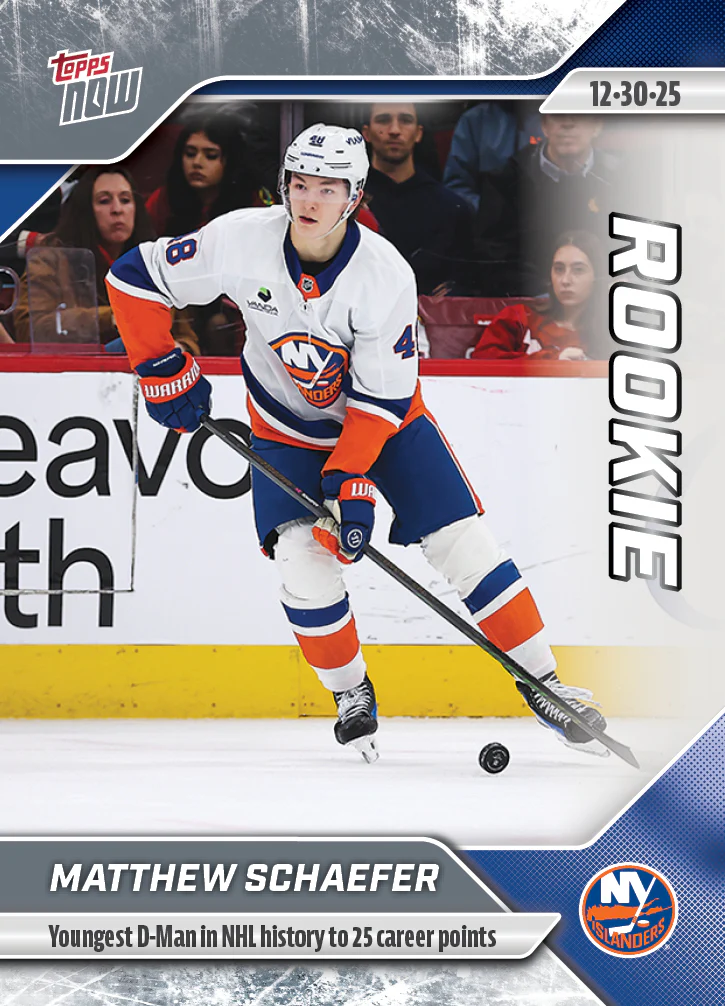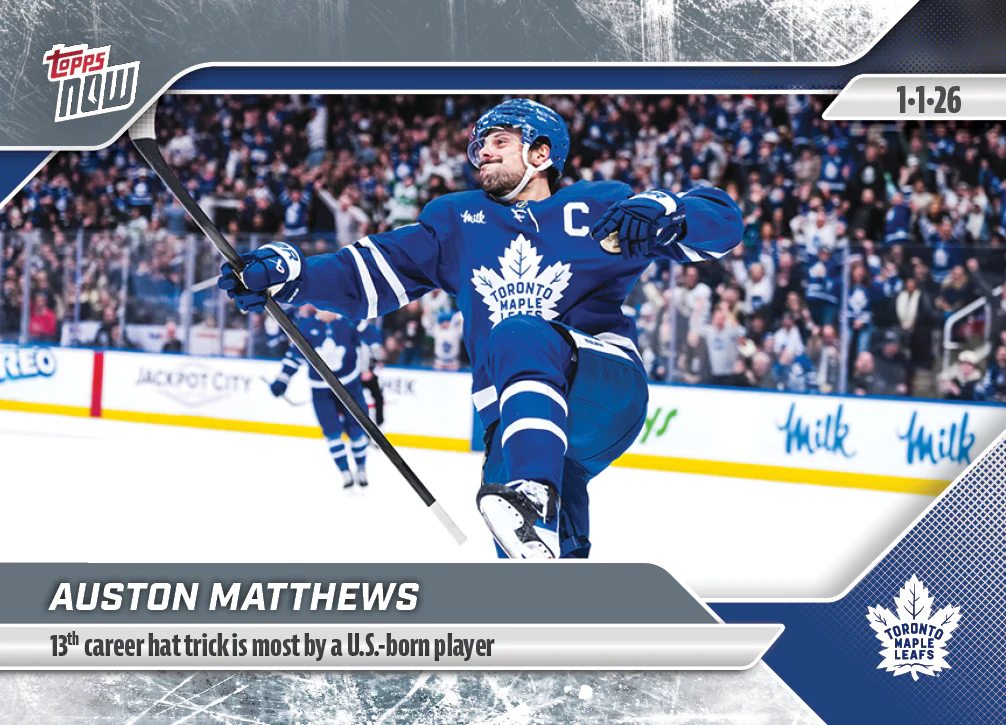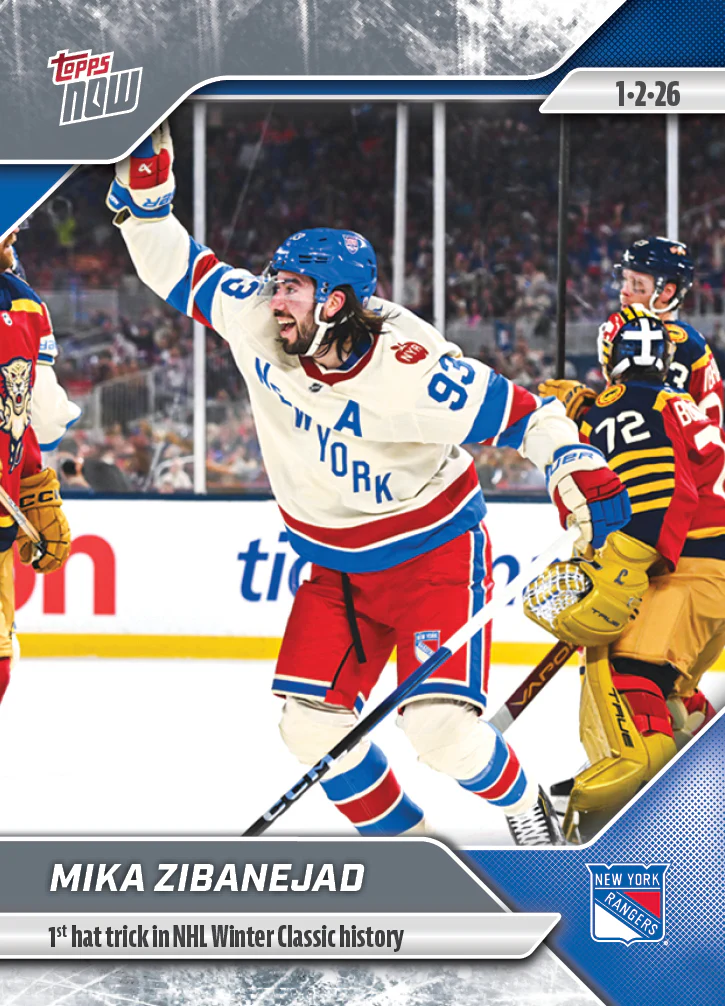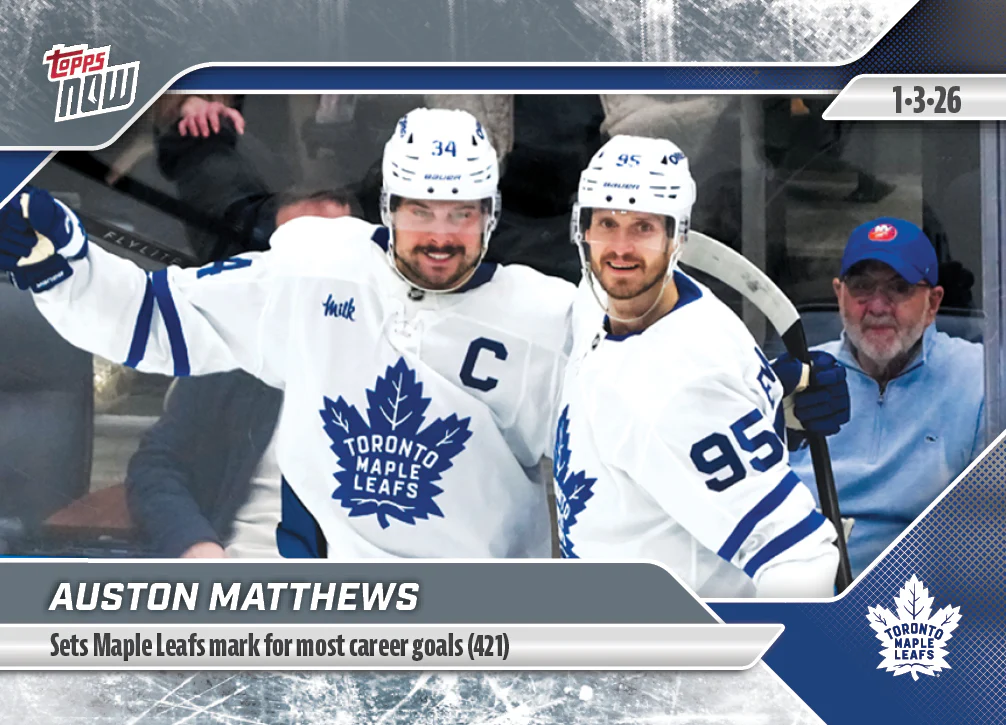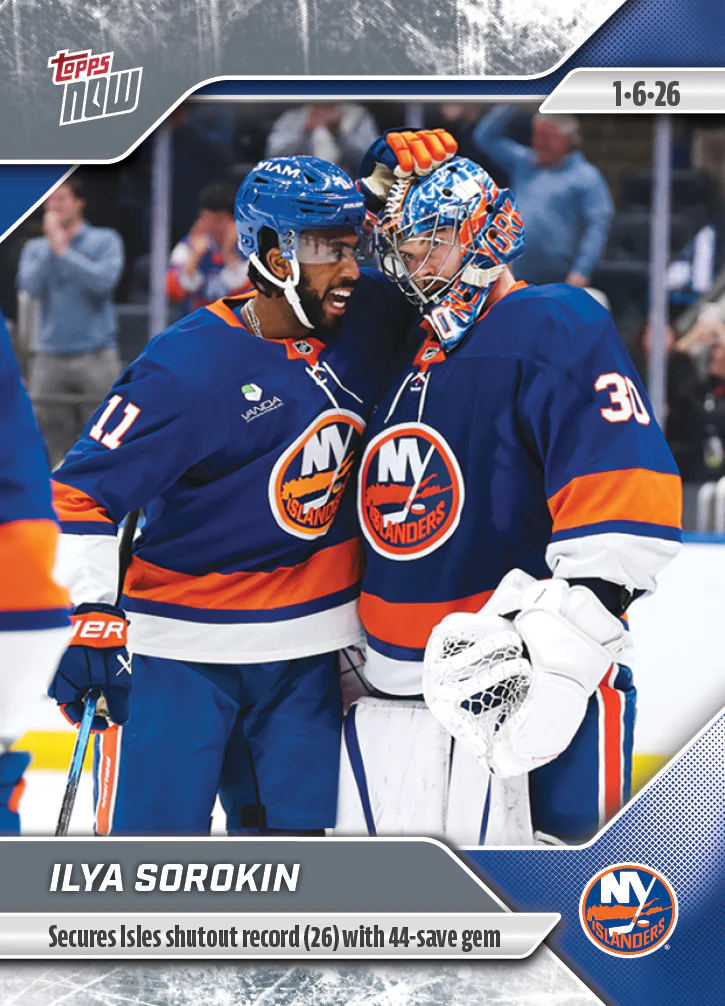
#83 Ilya Sorokin
If the claim button opens Outlook or asks for a password, email toppsnowtoday@outlook.com with your name and card number.
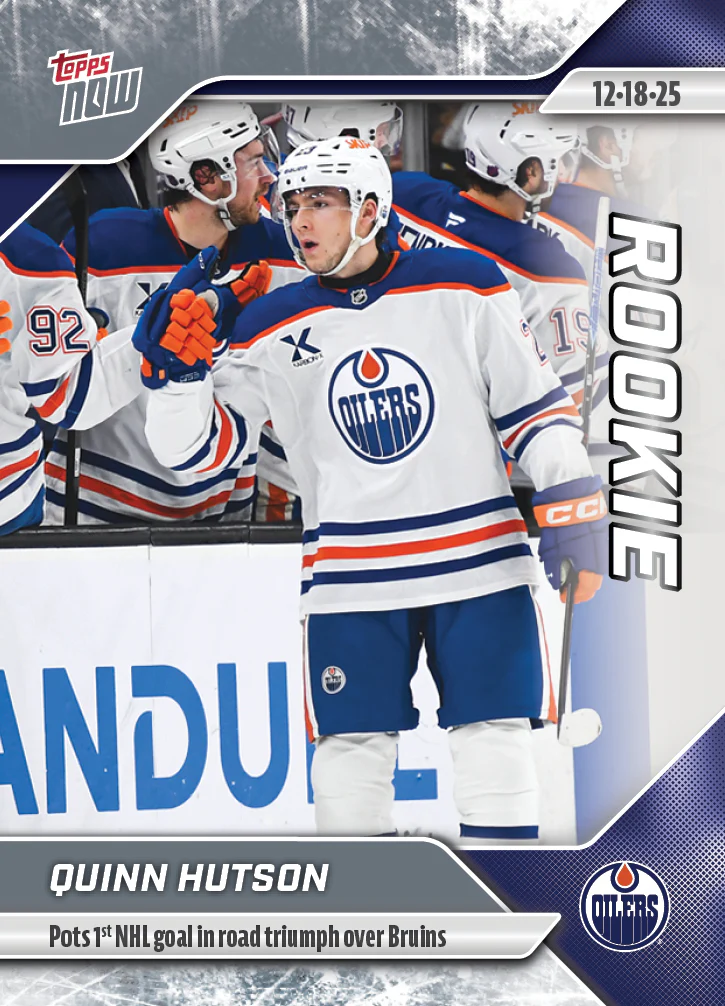
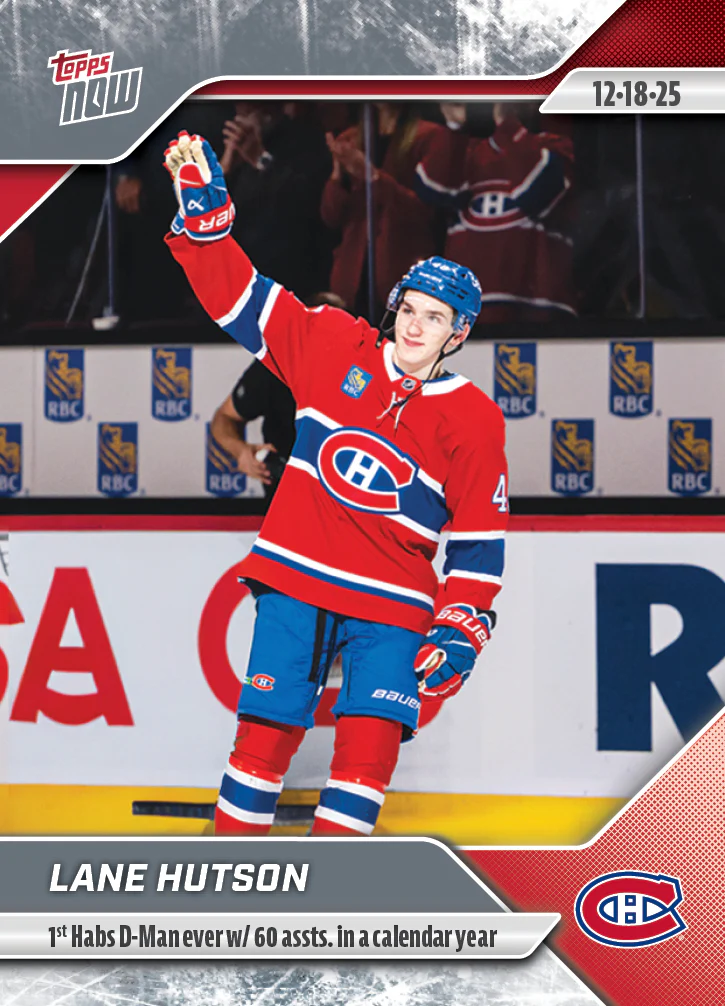
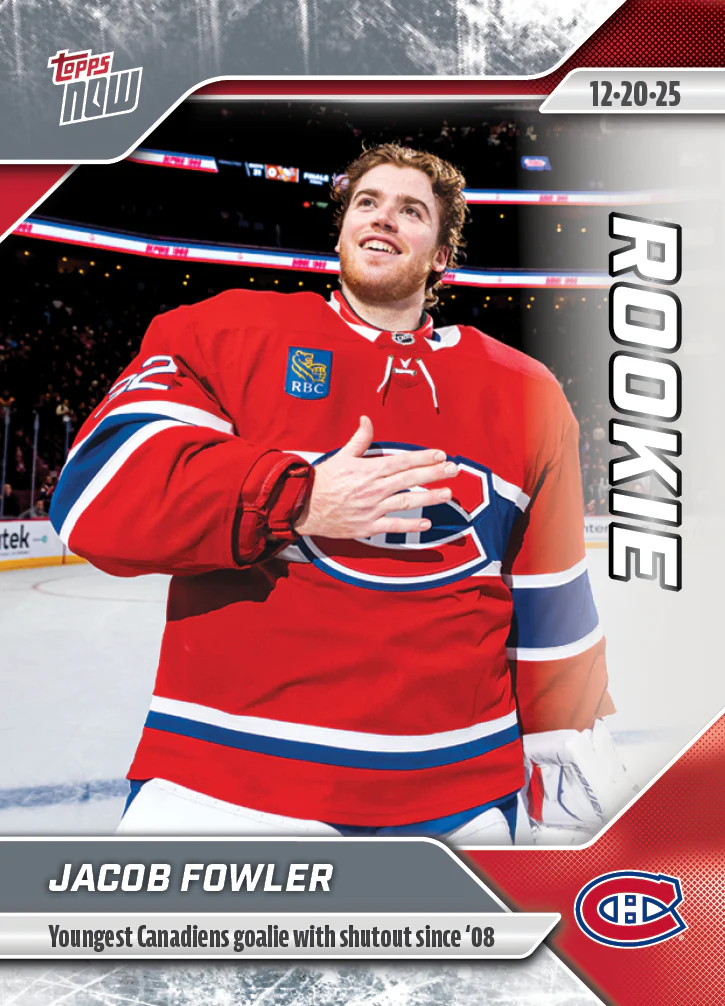
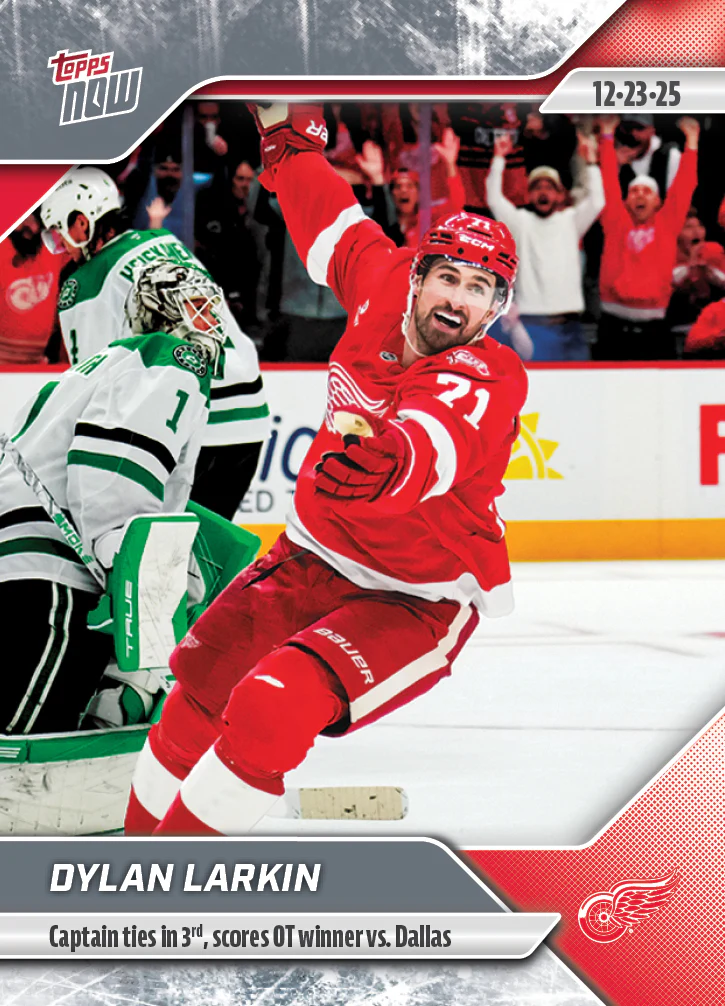
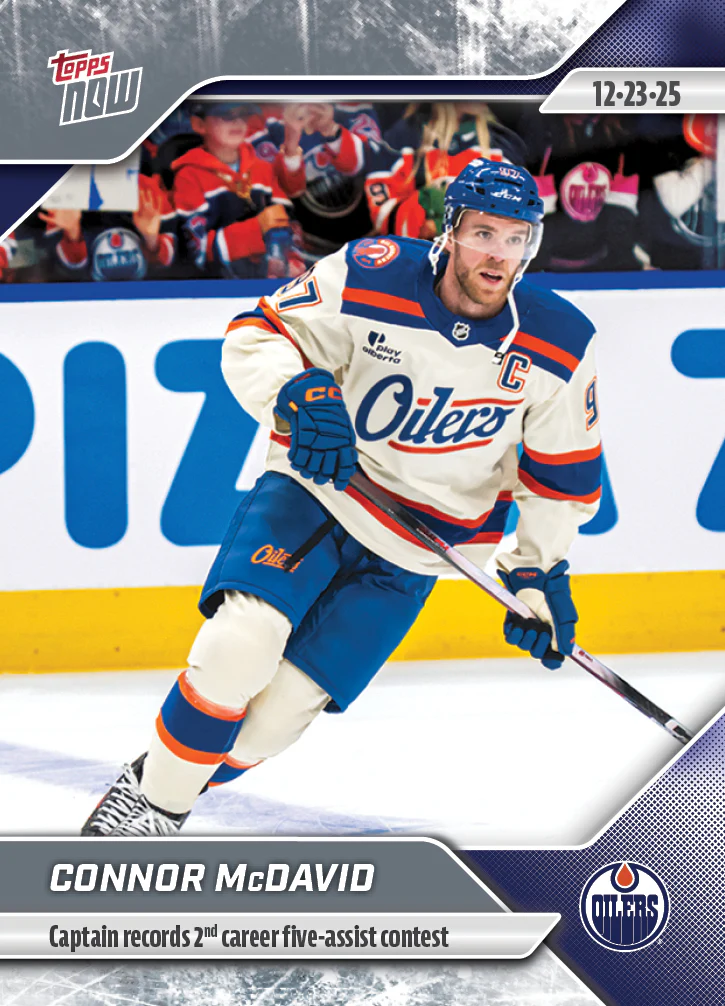
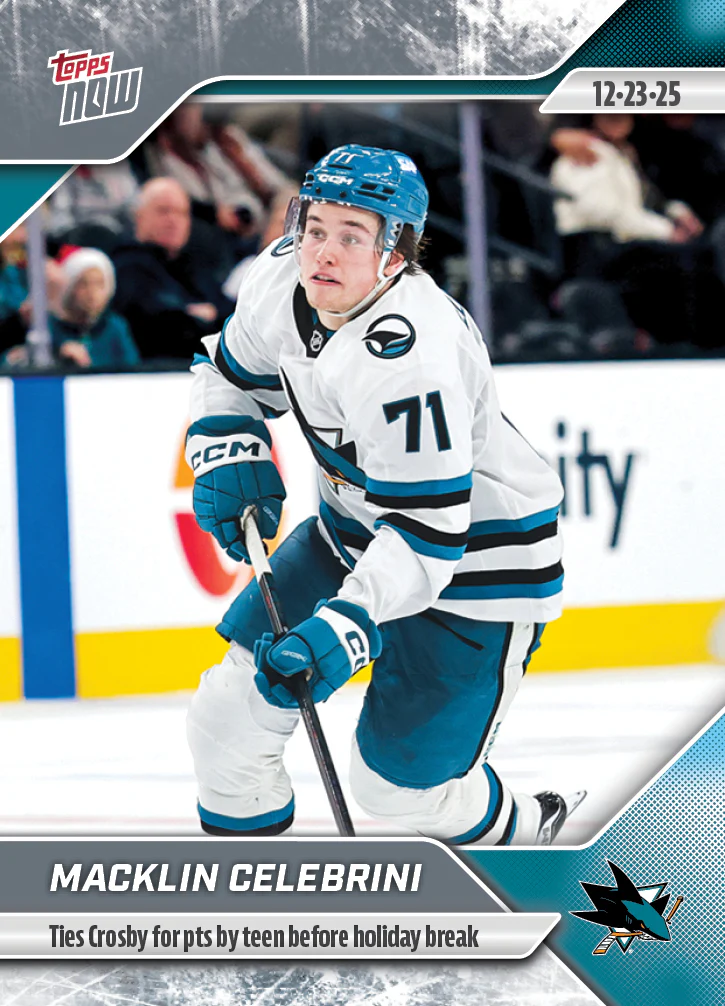
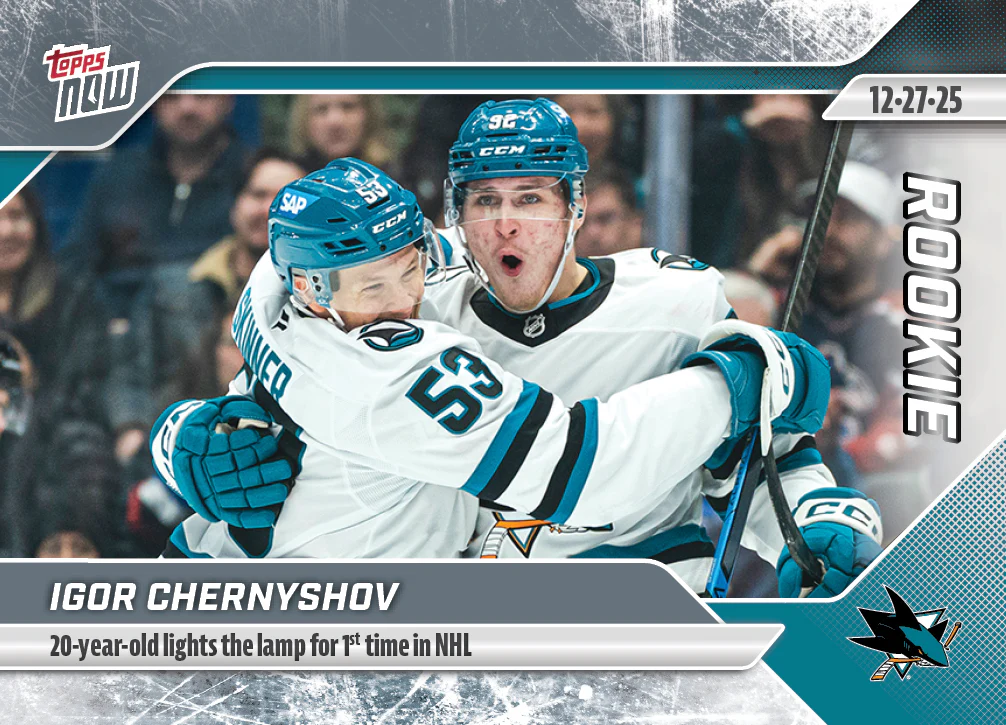
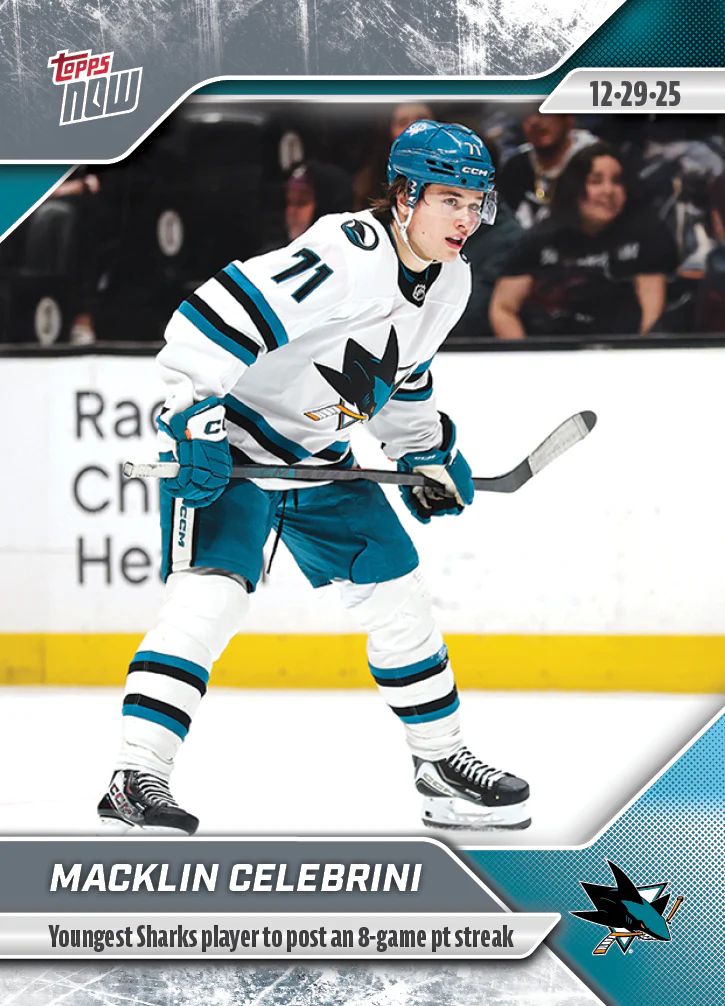
2025-26 NHL Topps NOW Stickers is listed by verified release date, newest first. Open spots use the current price shown on the card. If email links look strange on a phone, use Copy text and paste it into an email to toppsnowtoday@outlook.com.
This set is split into range pages so the buttons stay usable. You are viewing #83-#24.

If the claim button opens Outlook or asks for a password, email toppsnowtoday@outlook.com with your name and card number.

If the claim button opens Outlook or asks for a password, email toppsnowtoday@outlook.com with your name and card number.

If the claim button opens Outlook or asks for a password, email toppsnowtoday@outlook.com with your name and card number.

If the claim button opens Outlook or asks for a password, email toppsnowtoday@outlook.com with your name and card number.

If the claim button opens Outlook or asks for a password, email toppsnowtoday@outlook.com with your name and card number.

If the claim button opens Outlook or asks for a password, email toppsnowtoday@outlook.com with your name and card number.

If the claim button opens Outlook or asks for a password, email toppsnowtoday@outlook.com with your name and card number.

If the claim button opens Outlook or asks for a password, email toppsnowtoday@outlook.com with your name and card number.

If the claim button opens Outlook or asks for a password, email toppsnowtoday@outlook.com with your name and card number.

If the claim button opens Outlook or asks for a password, email toppsnowtoday@outlook.com with your name and card number.

If the claim button opens Outlook or asks for a password, email toppsnowtoday@outlook.com with your name and card number.

If the claim button opens Outlook or asks for a password, email toppsnowtoday@outlook.com with your name and card number.

If the claim button opens Outlook or asks for a password, email toppsnowtoday@outlook.com with your name and card number.

If the claim button opens Outlook or asks for a password, email toppsnowtoday@outlook.com with your name and card number.

If the claim button opens Outlook or asks for a password, email toppsnowtoday@outlook.com with your name and card number.

If the claim button opens Outlook or asks for a password, email toppsnowtoday@outlook.com with your name and card number.

If the claim button opens Outlook or asks for a password, email toppsnowtoday@outlook.com with your name and card number.

If the claim button opens Outlook or asks for a password, email toppsnowtoday@outlook.com with your name and card number.

If the claim button opens Outlook or asks for a password, email toppsnowtoday@outlook.com with your name and card number.

If the claim button opens Outlook or asks for a password, email toppsnowtoday@outlook.com with your name and card number.

If the claim button opens Outlook or asks for a password, email toppsnowtoday@outlook.com with your name and card number.

If the claim button opens Outlook or asks for a password, email toppsnowtoday@outlook.com with your name and card number.

If the claim button opens Outlook or asks for a password, email toppsnowtoday@outlook.com with your name and card number.

If the claim button opens Outlook or asks for a password, email toppsnowtoday@outlook.com with your name and card number.

If the claim button opens Outlook or asks for a password, email toppsnowtoday@outlook.com with your name and card number.

If the claim button opens Outlook or asks for a password, email toppsnowtoday@outlook.com with your name and card number.

If the claim button opens Outlook or asks for a password, email toppsnowtoday@outlook.com with your name and card number.

If the claim button opens Outlook or asks for a password, email toppsnowtoday@outlook.com with your name and card number.

If the claim button opens Outlook or asks for a password, email toppsnowtoday@outlook.com with your name and card number.

If the claim button opens Outlook or asks for a password, email toppsnowtoday@outlook.com with your name and card number.

If the claim button opens Outlook or asks for a password, email toppsnowtoday@outlook.com with your name and card number.

If the claim button opens Outlook or asks for a password, email toppsnowtoday@outlook.com with your name and card number.

If the claim button opens Outlook or asks for a password, email toppsnowtoday@outlook.com with your name and card number.

If the claim button opens Outlook or asks for a password, email toppsnowtoday@outlook.com with your name and card number.

If the claim button opens Outlook or asks for a password, email toppsnowtoday@outlook.com with your name and card number.

If the claim button opens Outlook or asks for a password, email toppsnowtoday@outlook.com with your name and card number.

If the claim button opens Outlook or asks for a password, email toppsnowtoday@outlook.com with your name and card number.

If the claim button opens Outlook or asks for a password, email toppsnowtoday@outlook.com with your name and card number.

If the claim button opens Outlook or asks for a password, email toppsnowtoday@outlook.com with your name and card number.

If the claim button opens Outlook or asks for a password, email toppsnowtoday@outlook.com with your name and card number.

If the claim button opens Outlook or asks for a password, email toppsnowtoday@outlook.com with your name and card number.

If the claim button opens Outlook or asks for a password, email toppsnowtoday@outlook.com with your name and card number.

If the claim button opens Outlook or asks for a password, email toppsnowtoday@outlook.com with your name and card number.

If the claim button opens Outlook or asks for a password, email toppsnowtoday@outlook.com with your name and card number.

If the claim button opens Outlook or asks for a password, email toppsnowtoday@outlook.com with your name and card number.

If the claim button opens Outlook or asks for a password, email toppsnowtoday@outlook.com with your name and card number.

If the claim button opens Outlook or asks for a password, email toppsnowtoday@outlook.com with your name and card number.

If the claim button opens Outlook or asks for a password, email toppsnowtoday@outlook.com with your name and card number.

If the claim button opens Outlook or asks for a password, email toppsnowtoday@outlook.com with your name and card number.

If the claim button opens Outlook or asks for a password, email toppsnowtoday@outlook.com with your name and card number.

If the claim button opens Outlook or asks for a password, email toppsnowtoday@outlook.com with your name and card number.

If the claim button opens Outlook or asks for a password, email toppsnowtoday@outlook.com with your name and card number.

If the claim button opens Outlook or asks for a password, email toppsnowtoday@outlook.com with your name and card number.

If the claim button opens Outlook or asks for a password, email toppsnowtoday@outlook.com with your name and card number.

If the claim button opens Outlook or asks for a password, email toppsnowtoday@outlook.com with your name and card number.

If the claim button opens Outlook or asks for a password, email toppsnowtoday@outlook.com with your name and card number.

If the claim button opens Outlook or asks for a password, email toppsnowtoday@outlook.com with your name and card number.

If the claim button opens Outlook or asks for a password, email toppsnowtoday@outlook.com with your name and card number.

If the claim button opens Outlook or asks for a password, email toppsnowtoday@outlook.com with your name and card number.

If the claim button opens Outlook or asks for a password, email toppsnowtoday@outlook.com with your name and card number.
Generated: 08/06/2026 11:27 AM ET. Facebook remains the legacy board until Joe moves the release live here.